Professional Kitchen Management
Most restaurant owners don't know what their dishes actually cost to make, and that's where profit disappears. This Excel system fixes that. Enter your prices once, and every recipe updates automatically. Forever.
✓ One-time $97, no subscription · ✓ Works in Excel & Google Sheets · ✓ Yours to keep forever
Free AI tool
Upload a photo of your menu and the AI gives you an instant read: estimated food cost per dish, and the items most likely bleeding you. No login, about 20 seconds.
Try the free Menu Scan →The Problem
Guesswork, outdated spreadsheets, and disconnected price lists mean you're pricing dishes blind. Vendor prices climb, portions drift, and you find out months later. This system fixes that in one afternoon.
What's Inside
500 ingredient rows with automatic Cost Per Gram conversion. Any unit, g, kg, L, oz, lb. Change a price once, every recipe recalculates instantly.
Each block holds 12 ingredient rows with live-linked dropdowns, plus 8 sub-recipe slots. Full cost breakdown, food cost %, and variance on every dish.
Build sauces, stocks, doughs and bases once. Set a batch yield, get your cost per gram, and drop it into any dish, cost flows through automatically.
The thing that makes this different. A sub-recipe lives inside another recipe. Update the sauce, every dish that uses it updates too. Zero double entry.
Every recipe block has a dedicated photo zone. Add an image of each dish, ideal for staff training, menu presentations, and handovers.
Already have supplier lists in Excel? Import them in minutes with Copy & Paste, Power Query, or live file linking. Step-by-step instructions included.
How It Works
Enter ingredient names, brands, pack sizes and costs in the Inventory sheet. Cost Per Gram calculates automatically. This is the foundation, everything builds on it.
Name a base, a stock, a sauce, a marinade, set your batch yield, and pick ingredients from the dropdown. The cost per gram of the finished batch calculates automatically.
Name your dish, set portion count, add raw ingredients and drop in sub-recipes. Enter your menu price and instantly see gross profit, food cost %, and variance from target.
When a supplier raises prices, update one cell. Every recipe that contains it, directly or through a sub-recipe, recalculates in seconds. Just accurate numbers, always.
By The Numbers
We didn't know it was so high. We went from 40% to 31% food cost after setting it up.
Gavin · General Manager, McVeigh's Pub

Who built this
20 years in kitchens. I watched profit disappear into dishes nobody had properly costed, so I built this.
José Lopez
Chef · Founder, Mise en Profit
New · Mise en Profit Pro
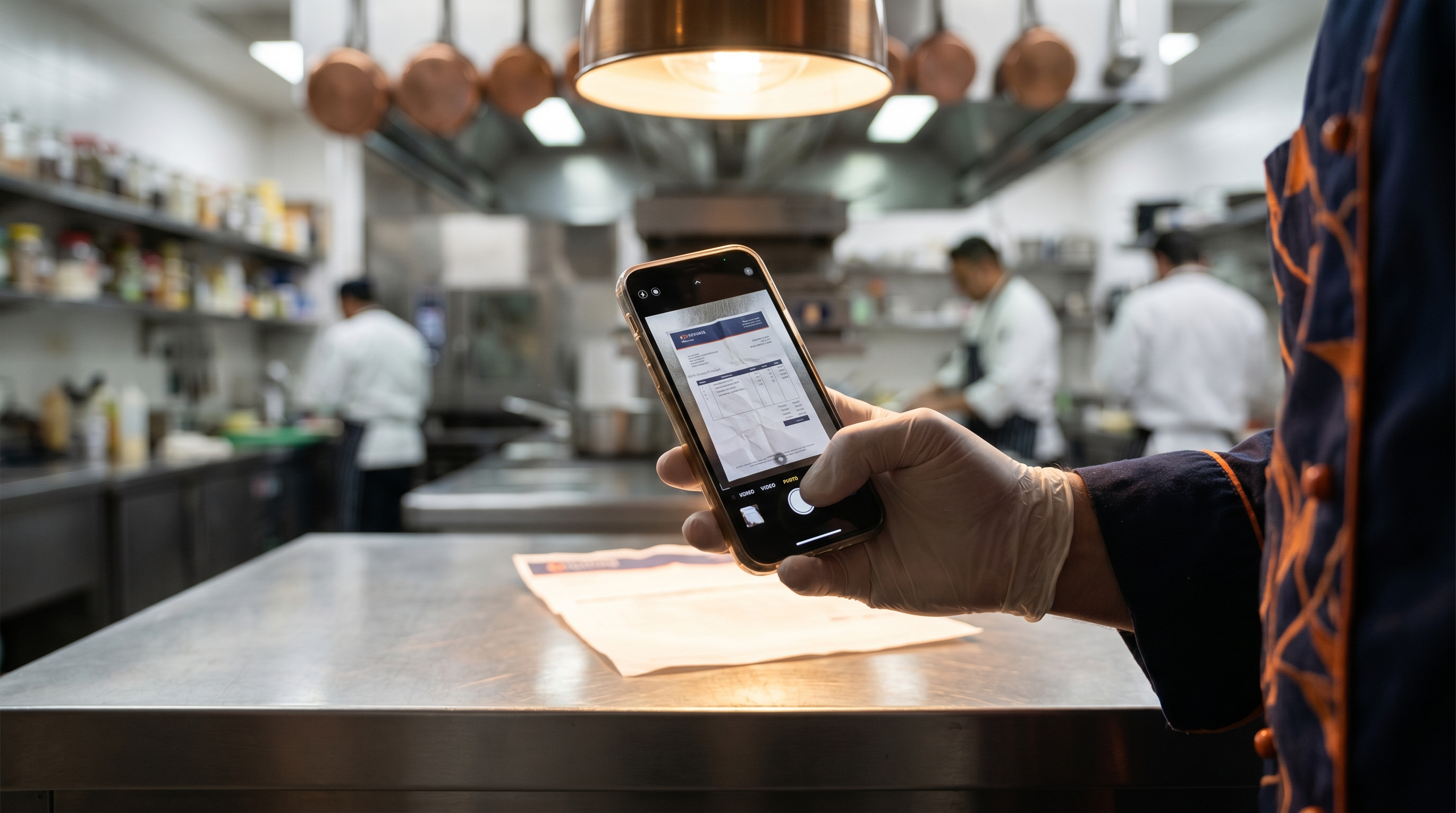
You did not open a restaurant to type invoices. Pro reads a photo or PDF of any supplier invoice and loads every item and price straight into your inventory. No typing, no catch-up stack.
Done For You
The Menu Profitability Audit, I cost your top 20 dishes from scratch, build every sub-recipe, rank them all by margin, and tell you exactly what to fix first. You get the fully built file, written findings, and a strategy call.
$3,000 CAD · 5 business days · two clients a monthFlagship · Monthly
Skip the $56,000 chef. I cost your menu, keep every dish profitable, raise your prices as your costs move, and hand you a money-making special every month from your surplus. You cook and sell. The thinking is mine.
$28,000/yr (~$2,333/mo) · half a chef · cancel anytimePricing
One-time · Excel & Google Sheets
One-time · includes the $97 system
5 business days · two clients a month
Per year (~$2,333/mo) · half a chef
Not at $1M yet? Margin Watch, $200/mo →
Meet the Profit Chef →The first three are one-time, yours to keep. Profit Chef is monthly, cancel anytime.
Free Download
Seven quick questions that tell you whether a dish is making you money, or quietly bleeding it. No cost, no catch, just the fastest way to find your worst plate.